Pattern 18 · Dashboard with AI insights, Chat or assistant · Interaction pattern
One proposed action, one named button
Practice view. What to build, the words on screen and how to measure it. Switch to Research for why it should work, the framework properties and the references.Research view. The research side is shown below the card: why it should work, the properties it targets and the references. Switch to Practice to hide it.
An AI proposal is one card: what it will do, for whom, the draft, and a button that names the act. A second proposal waits as a small next-step row. Nothing happens until the named button is pressed, and the screen confirms what happened.
The user stays in chargeThe right amount of trustCase: CNEXT Mail2Flow (company approval pending)
Done right, done wrong
Schematic screens, not real products. Click a screen to enlarge it.The receipt
A receipt is the result of one test, printed on the card: the case, what was compared, how many people took part, the main result, the methods, and what we do not know. The plan written before the analysis is the study card. How a pattern earns its label.
In practice
Task 3 of the Mail2Flow test opened an urgent client request with two AI proposals next to each other: a reply to the client with two meeting slots, and a message asking a colleague to register the client’s questions. Under both sat three buttons, Approve, Consult partner and Mark done, with a line of grey help text. Five of seven got through it. One participant executed both proposals because she thought both were required, one read them as two questions from the client, one took the left proposal for the original e-mail, and one got stuck on the buttons. Most did not read the help text, and one person was afraid that clicking the draft would send it.
Task 5 showed one proposal, a junior’s prepared VAT workbook to review, and all seven completed it: read the summary, look at the work, approve or edit. The report’s recommendation is the pattern. One proposal at a time, or proposals that expand one by one, and one button per proposal that says what it does, Send this reply, Assign to Alex, instead of three abstract buttons at the bottom of the page.
Two cautions. The comparison is an observation, not a controlled one: task 5 came after task 3 for everyone, so people had learned the screen. And the pattern is only complete with a confirmation. One participant pressed Approve, saw nothing change, and did not know whether the reply had gone out.
Words on screen
Obligations to keep in mind (AI Act, GDPR)
- Human oversight means the person knows what a button will do before pressing it. (O2, IUI 2026, Table 1)
- Confirm what happened after the act; an unconfirmed send is a silent action. (O1, CNEXT test, task 5)
Design considerations, not legal advice or a conformity assessment. What O1 to O5 mean.
Build it
Illustrative signatures, not a published library: the names below are suggestions to adapt to your stack. Thresholds are examples to tune on your own data.
States: proposed, editing, confirmed, next-shown
Component: <ProposedAction index={1} of={2} verb="Send this reply" draft={draft} onConfirm={fn} onEdit={fn} />
Prompt snippet: Return proposed actions as a list, most important first. Each has a verb phrase for the button (under five words), a recipient and a draft. Never mark an action as done.
Output schema: { "actions": [{ "verb": "string", "recipient": "string", "draft": "string" }] }
Measure it
Same idea, other names
Applied by: nobody yet · Replicated by: nobody yet · Used this pattern? Tell us and get listed
Research side · why it should work · framework v0.2
Why it should work
Properties targeted
Notes
How to measure: task completion per proposal layout with the same task content, order counterbalanced; the sure-of-their-decision items right after the button press; count wrong actions (both proposals executed, the wrong proposal sent) as errors. Seven people give a direction; a round with more than sixteen gives a test.
Relations
- The guidelines ask systems to convey the consequences of user actions (Amershi et al. 2019, guideline 16, there about the system's future behaviour); a button that names its act applies the same idea to the act itself. Whether it raises confidence is what the next test should measure.
- Efficiency, performance, reliance and confidence are among the properties for decision-support settings (Donoso-Guzmán et al. 2025, Figure 13); task completion is the plain measure of effectiveness (ISO 9241-11).
Across contexts
| Context | Users | State | Result |
|---|---|---|---|
| CNEXT Mail2Flow, Kairos prototype | accountants, desktop | Seen in a case | 5 of 7 completed with two proposals, 7 of 7 with one; the three abstract buttons were unclear to most |
| Your context | Bring your case |
References
- Amershi et al. 2019, Guidelines for Human-AI Interaction, CHI, guidelines 9, 16 and 17. https://doi.org/10.1145/3290605.3300233
- Sauro and Lewis 2016, Quantifying the User Experience, 2nd edition, Morgan Kaufmann: task completion rate with small-sample confidence intervals.
- ISO 9241-11:2018, Ergonomics of human-system interaction, Part 11: Usability, definitions and concepts.
- Donoso-Guzmán et al. 2025, A systematic review of user-centred evaluation of explainable AI in healthcare. arXiv 2506.13904
Editors
Related patterns
All patterns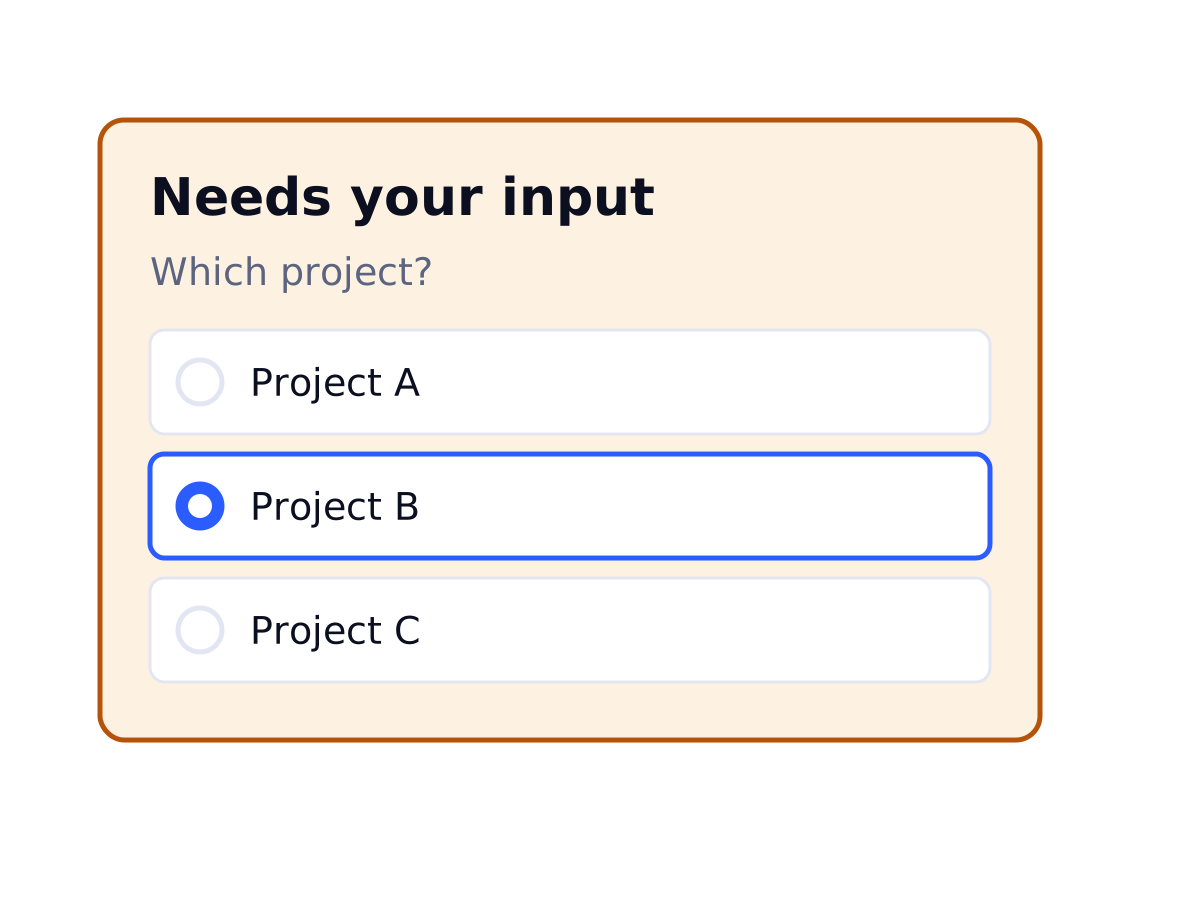 Pattern 06 · Chat or assistant, Dashboard with AI insightsLow-confidence hand-off to a personBelow a threshold the AI stops, says what it could not determine, and hands the item to a person instead of guessing.Seen in a case
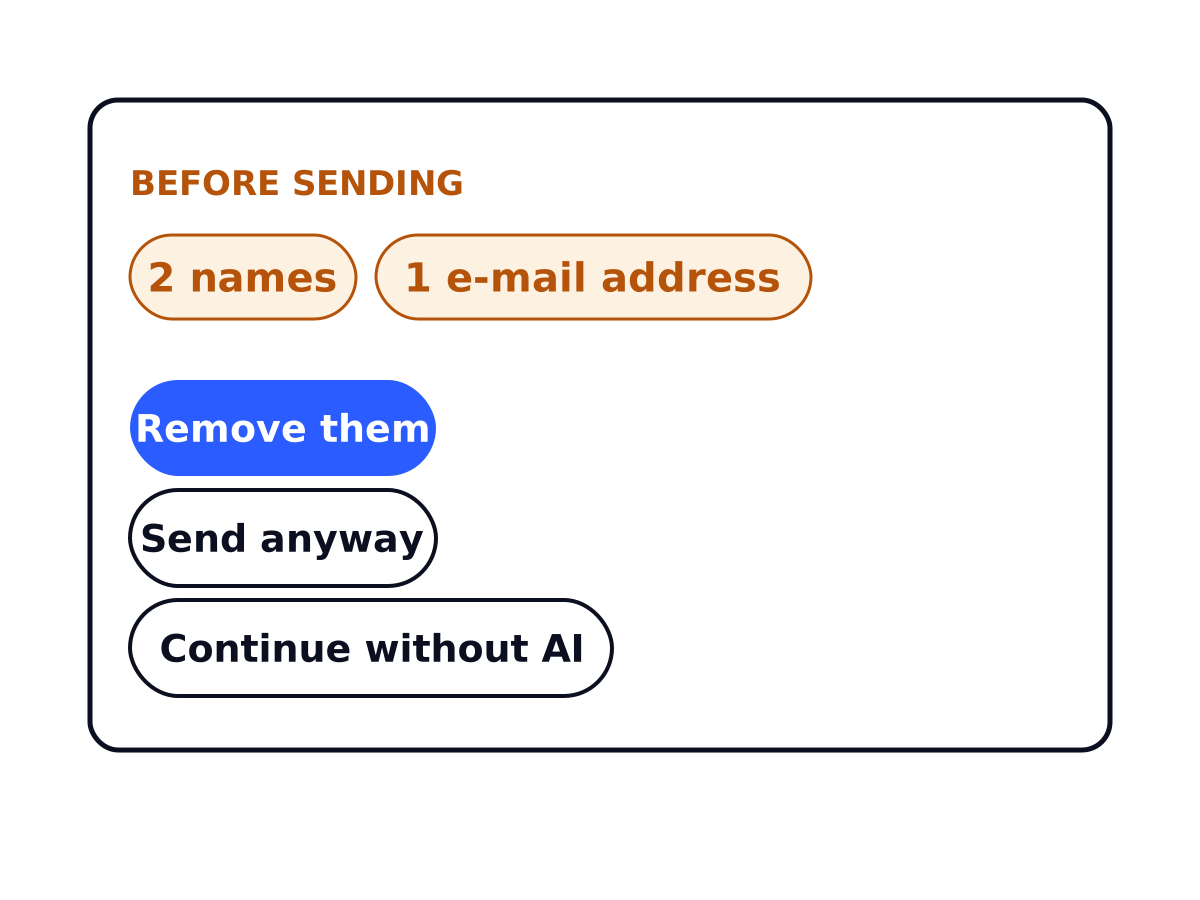 Pattern 03 · An app that adapts, Chat or assistantPrivacy check before sending personal dataBefore text goes to a model, the app spots personal data and lets the user send, strip or skip the AI step.Seen in a case
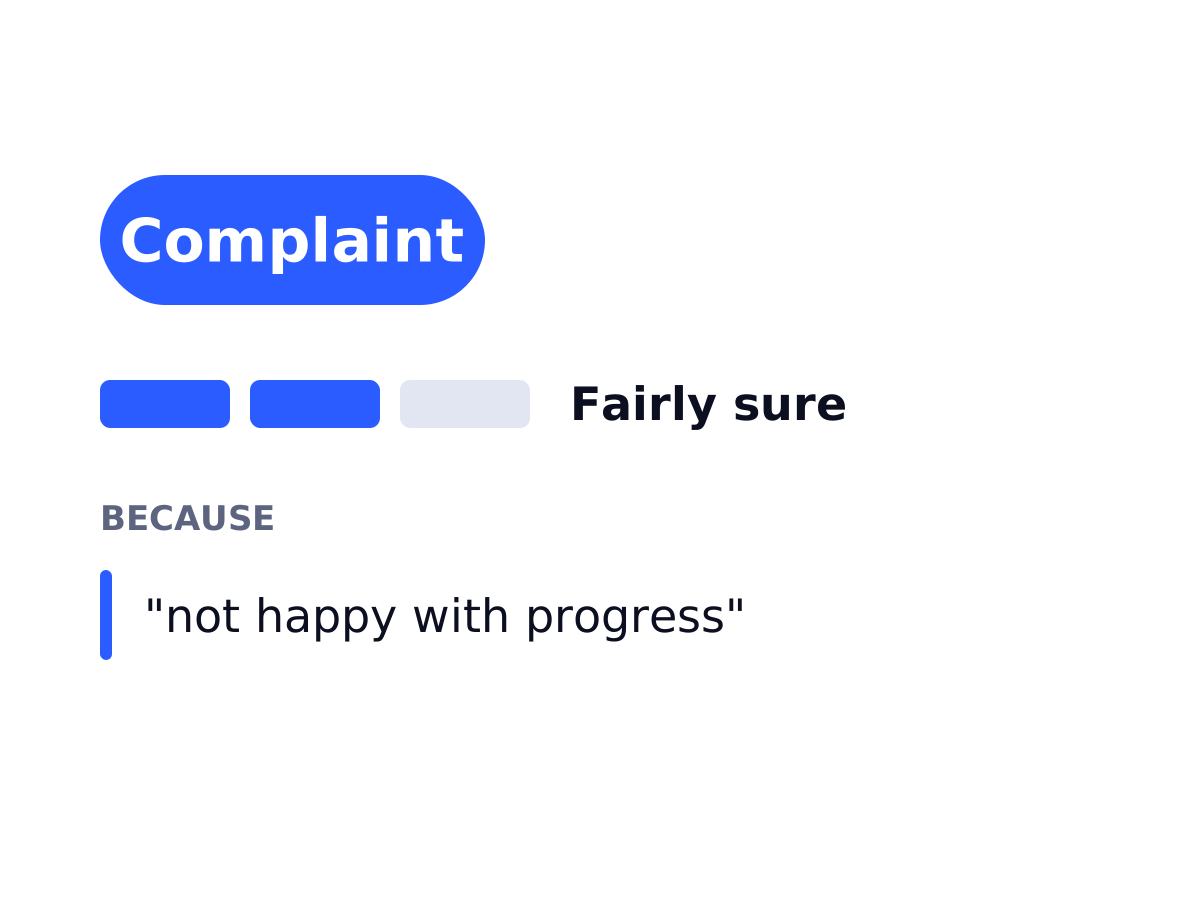 Pattern 04 · Chat or assistant, Dashboard with AI insightsClassification with confidence and reasonA label, how sure the system is, and the evidence it used, so a person can check the judgement instead of reading a bare percentage.Seen in a case