Pattern 19 · Dashboard with AI insights · Interaction pattern
Team workload view with availability
Practice view. What to build, the words on screen and how to measure it. Switch to Research for why it should work, the framework properties and the references.Research view. The research side is shown below the card: why it should work, the properties it targets and the references. Switch to Practice to hide it.
A team view lists every person with open tasks, overdue tasks and availability (absent until when), and lets the viewer move an overdue item to someone who is in. It sits behind a labelled item in the main navigation and says where its numbers come from and how fresh they are.
The system shows how it worksThe user stays in chargeCase: CNEXT Mail2Flow (company approval pending)
Done right, done wrong
Schematic screens, not real products. Click a screen to enlarge it.In practice
The team dashboard in the Mail2Flow prototype shows who holds which tasks and which ones are overdue. Task 6 asked the accountants to find it, read the workload and act. Four found it on their own; three could not, because the sidebar showed icons without labels, and once the moderator opened it all three called it clear and valuable. That is a plain usability rule, icons need visible labels, and it decides whether an AI feature is used at all.
Two AI-specific lessons came with it. One senior reassigned an overdue task to a colleague who had no tasks, without noticing that he was marked absent; availability has to sit in the picker, not in a badge people can miss. Two participants asked how reliable the dashboard’s numbers were, which is the question every AI dashboard should answer on the screen: what the numbers are counted from and how fresh they are. Participants also asked for start dates and deadlines per task, drag-and-drop reassignment, a notice when an assignee has seen a task, and a way to show tasks that belong to several people.
Assigning work to people touches the AI Act’s employment area (Annex III, point 4). A view that shows load and availability, with a person who moves the task, keeps the decision with the person. Letting the system allocate tasks on the basis of how individuals behave, or evaluate their performance, is listed as high-risk in Annex III, point 4(b). Design considerations, not legal advice.
Words on screen
Obligations to keep in mind (AI Act, GDPR)
- Reassigning stays a human act: the view shows load and availability, a person moves the task. Systems that allocate tasks on the basis of individual behaviour, or evaluate performance, are listed as high-risk in the AI Act (Annex III, 4b). (O2, AI Act, Annex III; IUI 2026, Table 1)
- Say where the numbers come from and how fresh they are. (O1, CNEXT test, task 6)
Design considerations, not legal advice or a conformity assessment. What O1 to O5 mean.
Build it
Illustrative signatures, not a published library: the names below are suggestions to adapt to your stack. Thresholds are examples to tune on your own data.
States: loaded, stale, reassigning, reassigned
Component: <TeamView people={people} freshness={updatedAt} onReassign={fn} />
Measure it
Research side · why it should work
Why it should work
Properties targeted
Across contexts
| Context | Users | State | Result |
|---|---|---|---|
| CNEXT Mail2Flow, Kairos prototype | accountants, desktop | Seen in a case | valued by all 7 once found; 3 of 7 could not find it behind icon-only navigation; one reassignment went to an absent colleague |
| Your context | Bring your case |
Editors
Related patterns
All patterns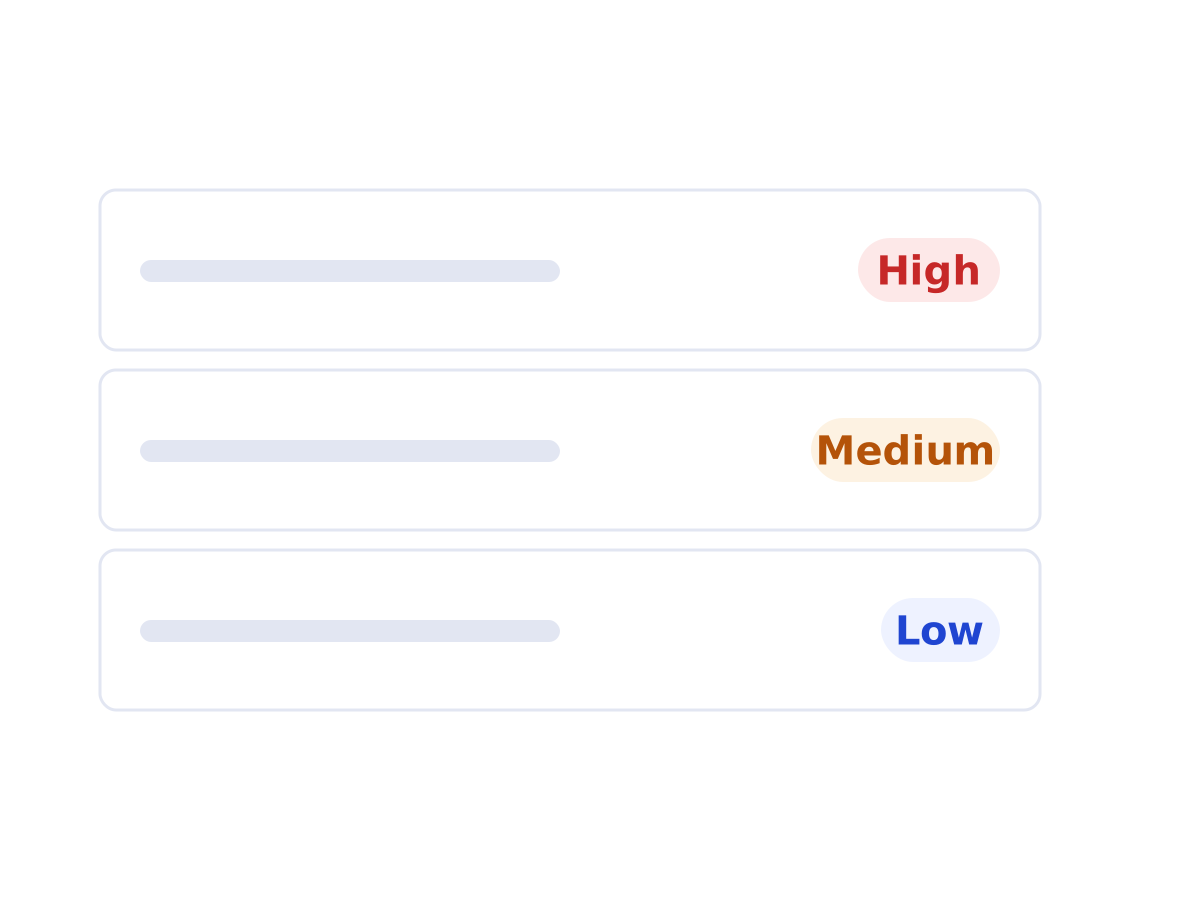 Pattern 05 · Dashboard with AI insights, Chat or assistantUrgency labels for prioritisationA small set of urgency levels on every item, so a full inbox can be scanned in seconds and the order of work is explicit.Seen in a case
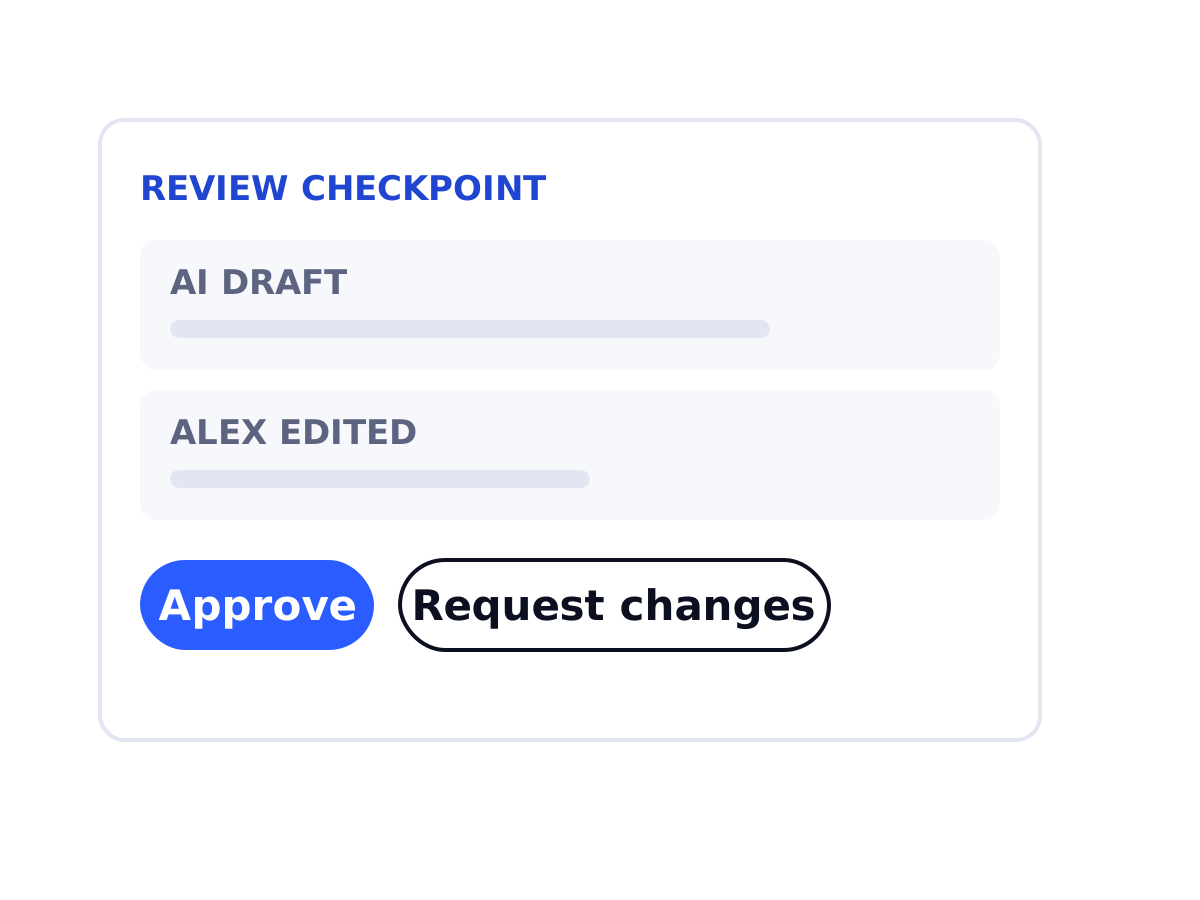 Pattern 08 · Dashboard with AI insightsReview a colleague's work checkpointAI-prepared work by a junior reaches a senior with the source, the junior's note and two clear actions.Seen in a case
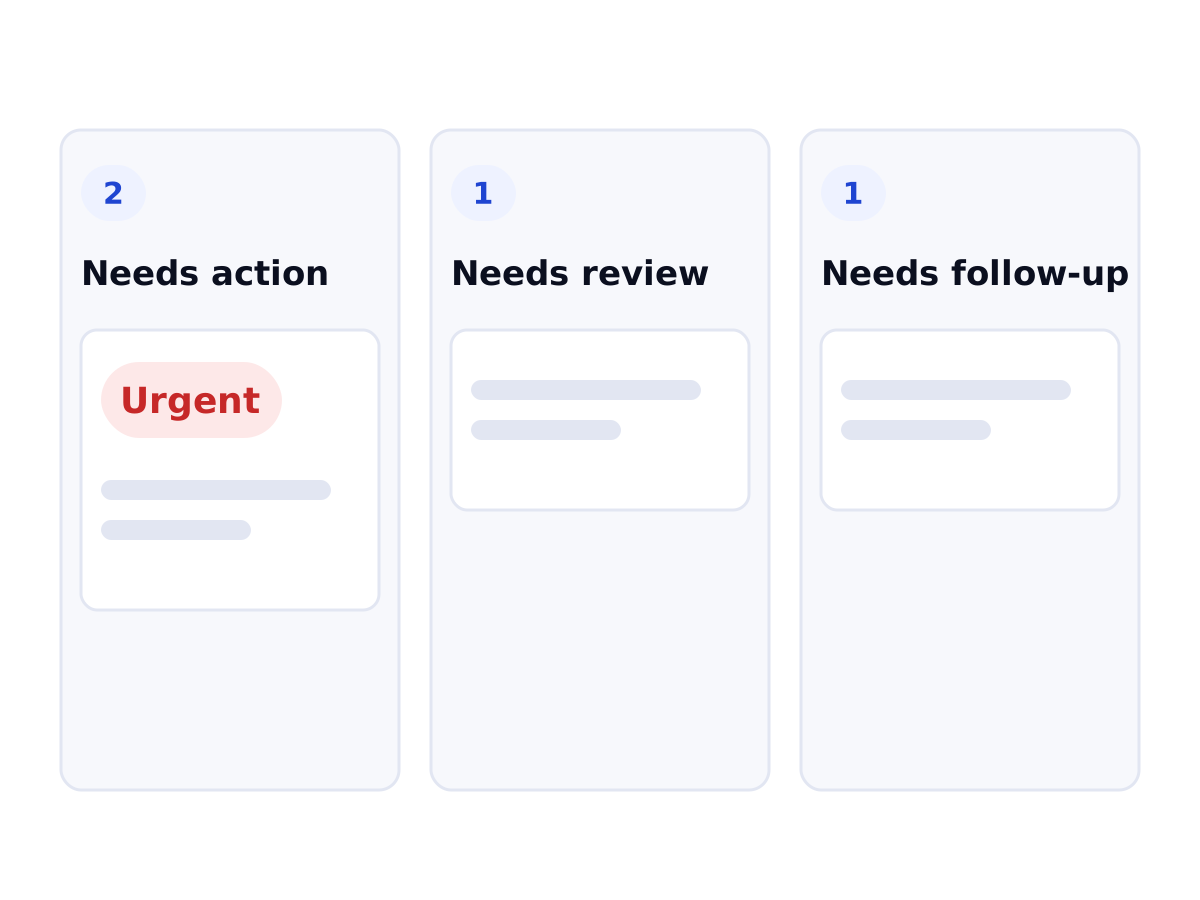 Pattern 17 · Dashboard with AI insightsBoard first, guided brief on requestThe person lands on a board they order themselves; the AI's one-task-at-a-time brief opens per task, on request. Five of seven accountants preferred it.Tested (pilot) · 7 participants