Pattern 05 · Dashboard with AI insights, Chat or assistant · Interaction pattern
Urgency labels for prioritisation
Practice view. What to build, the words on screen and how to measure it. Switch to Research for why it should work, the framework properties and the references.Research view. The research side is shown below the card: why it should work, the properties it targets and the references. Switch to Practice to hide it.
The AI assigns one of three urgency levels to each item and shows it as a consistent tag in the list, with the reason one click away.
The system shows how it worksThe user stays in chargeCase: CNEXT Mail2Flow (company approval pending)
Done right, done wrong
Schematic screens, not real products. Click a screen to enlarge it.In practice
The CNEXT test compared two mornings: a task board where the accountant sets the order, and a guided brief where the AI proposes it. The urgency tags are the same in both. What differs is who decides the sequence; five of seven wanted to decide it themselves (see Board first, guided brief on request).
The tag itself passed: on the board every participant found the urgent label, some after a moment. The label next to it failed. A relative time tag, ‘3d’, was read as three days old, due in three days, wait three days, or three days until overdue, one reading per participant. Write time in words or as a date: ‘Due Friday’, ‘Received 3 days ago’. And one senior asked the question nobody else voiced: by when does each task have to be done? An urgency level says how soon; it does not replace the deadline.
Words on screen
Obligations to keep in mind (AI Act, GDPR)
- Keep the user's own ordering available next to the AI's. (O4, IUI 2026, Table 1)
Design considerations, not legal advice or a conformity assessment. What O1 to O5 mean.
Build it
Illustrative signatures, not a published library: the names below are suggestions to adapt to your stack. Thresholds are examples to tune on your own data.
States: tagged, reason-open, overridden
Component: <UrgencyTag level="high" reason="..." />
Prompt snippet: Assign urgency high, medium or low. High only when a deadline or a client escalation is explicit in the text. Return the sentence that justifies it.
Measure it
Same idea, other names
Applied by: nobody yet · Replicated by: nobody yet · Used this pattern? Tell us and get listed
Try it
Research side · why it should work
Why it should work
Properties targeted
Across contexts
| Context | Users | State | Result |
|---|---|---|---|
| CNEXT Mail2Flow, Kairos prototype | accountants, desktop | Seen in a case | the urgent label was found by all 7 on the board; the relative label '3d' was read four different ways; one participant asked for deadlines per task |
| Your context | Bring your case |
Editors
Related patterns
All patterns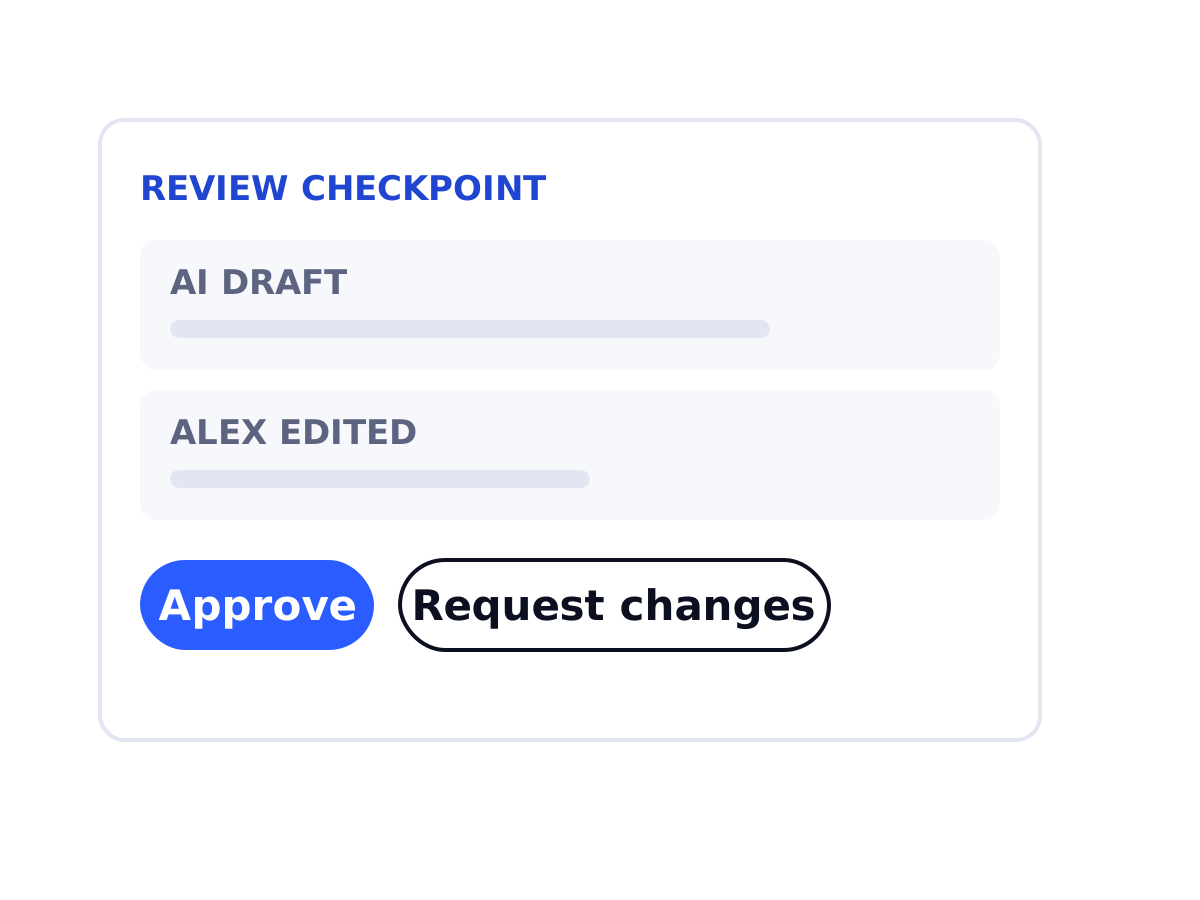 Pattern 08 · Dashboard with AI insightsReview a colleague's work checkpointAI-prepared work by a junior reaches a senior with the source, the junior's note and two clear actions.Seen in a case
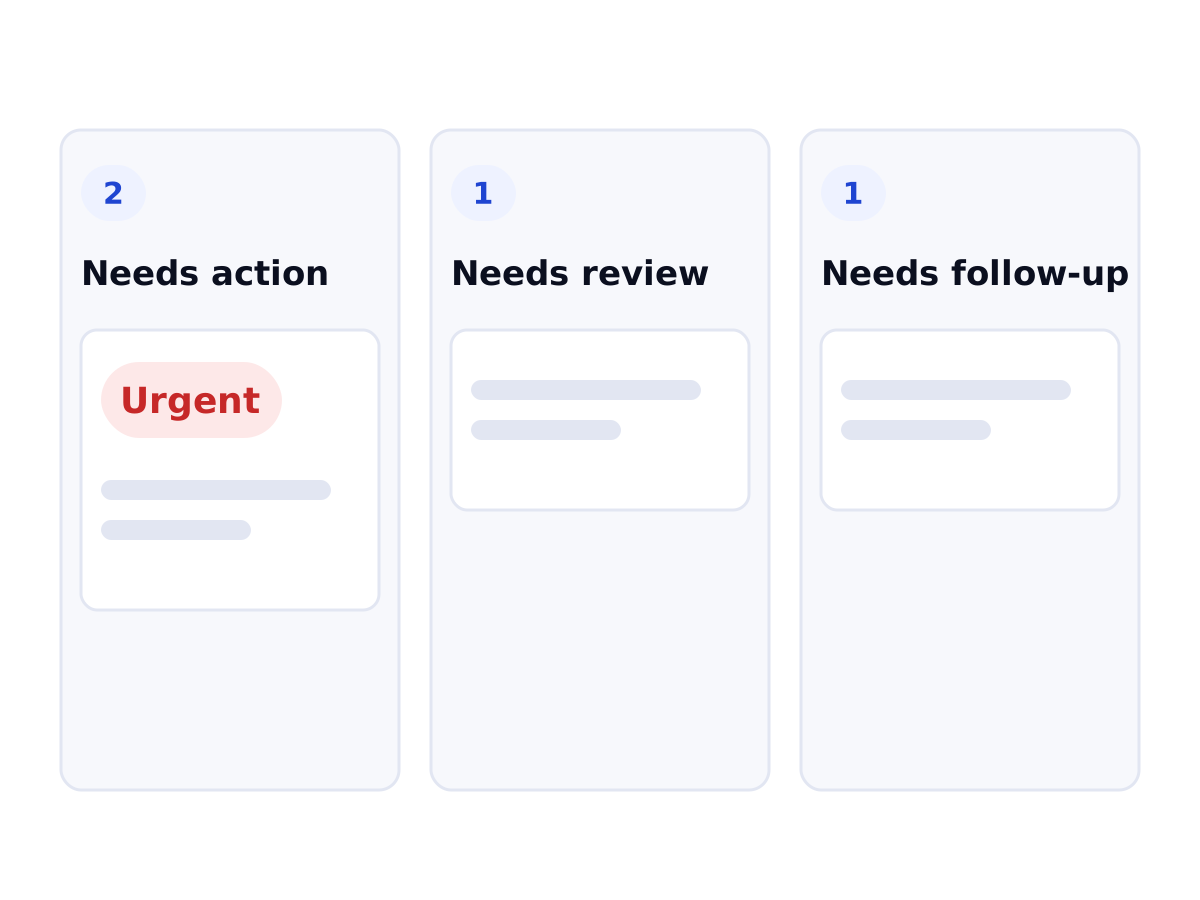 Pattern 17 · Dashboard with AI insightsBoard first, guided brief on requestThe person lands on a board they order themselves; the AI's one-task-at-a-time brief opens per task, on request. Five of seven accountants preferred it.Tested (pilot) · 7 participants
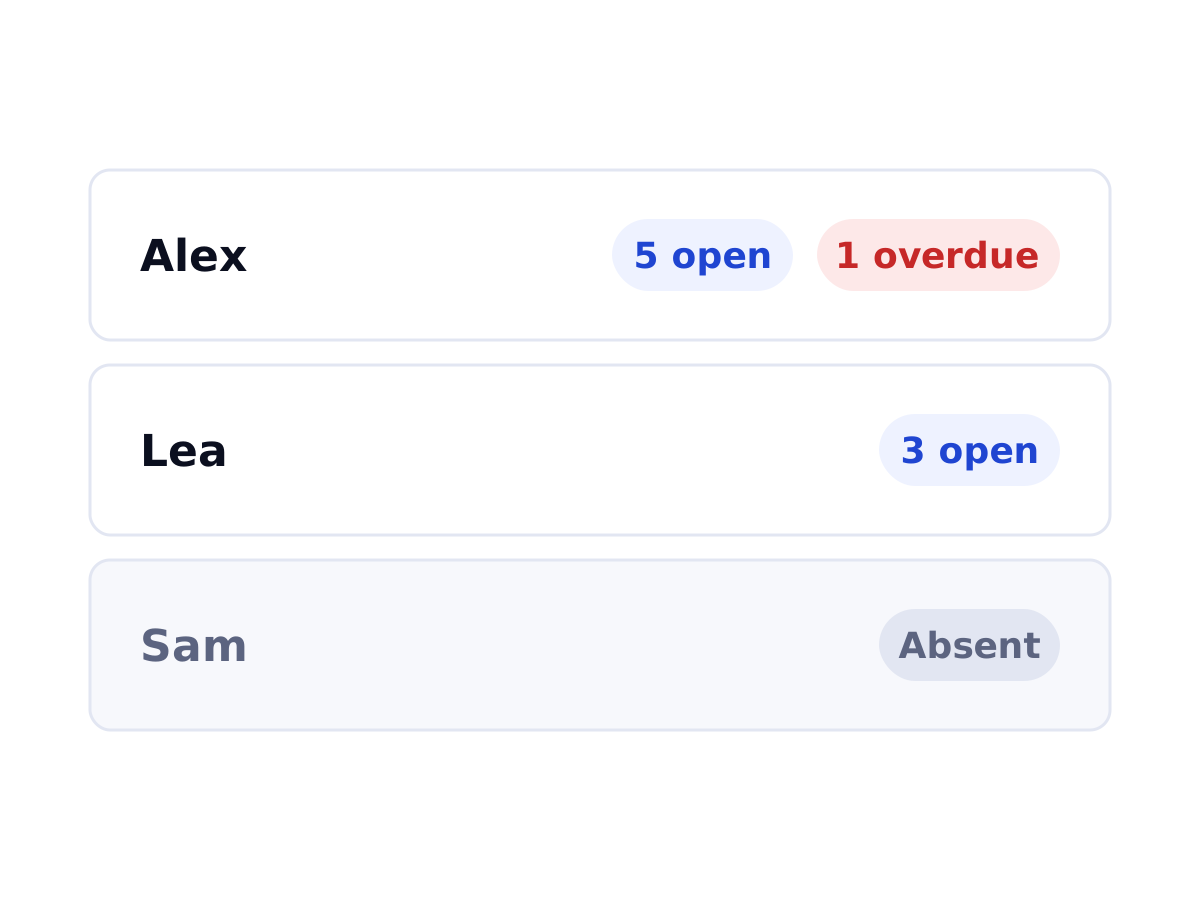 Pattern 19 · Dashboard with AI insightsTeam workload view with availabilityEach colleague's open and overdue tasks and whether they are in, behind a navigation item with a text label. Valued by all seven, once found.Seen in a case