Pattern 17 · Dashboard with AI insights · Interaction pattern
Board first, guided brief on request
Practice view. What to build, the words on screen and how to measure it. Switch to Research for why it should work, the framework properties and the references.Research view. The research side is shown below the card: why it should work, the properties it targets and the references. Switch to Practice to hide it.
The landing view is a board with a few columns the person understands (needs action, needs review, needs follow-up), every item with its urgency and its due date in words. The AI's guided brief, which opens one task at a time in the AI's order with a summary and proposed actions, is a mode the person starts from a task, not the default screen.
The user stays in chargeThe system shows how it worksCase: CNEXT Mail2Flow (company approval pending)
Done right, done wrong
Schematic screens, not real products. Click a screen to enlarge it.The receipt
A receipt is the result of one test, printed on the card: the case, what was compared, how many people took part, the main result, the methods, and what we do not know. The plan written before the analysis is the study card. How a pattern earns its label.
In practice
Mail2Flow’s prototype offered two views of the same morning. The task board is a kanban with three columns, needs action, needs review and needs follow-up, plus filters; the accountant picks what to open. The guided brief is the AI’s answer to the same inbox: the most urgent task already open with a summary, two proposed actions and a chat assistant, and the other tasks listed below it. Everyone saw both, in counterbalanced order.
The board won on every measure the test could take. In the six-second look people recalled its columns and its count; the brief was too much text to parse. While exploring, all seven counted their four tasks on the board; on the brief only one of the six recorded answers was right, and four people thought they had two, because the open task read as an e-mail and the rows below read as subtasks. Five of seven preferred the board, and their reasons came in the same words: overview, my own choice, less effort.
Two people preferred the brief, both juniors, because the urgent task was already open and ready to act on. That is the part worth keeping. The report’s path, and this pattern, is a combination: the board as the landing view, the brief as a focus mode that opens from a task. What a bigger test should separate is the ordering from the rest, because the brief in this test also carried the two side-by-side proposals that confused people on their own (see One proposed action, one named button).
Words on screen
Obligations to keep in mind (AI Act, GDPR)
- The order of work is the person's decision; the AI's order is an offer, not the screen. (O4, IUI 2026, Table 1)
- Say what the AI did to the list: which items it flagged as urgent, and why. (O1, IUI 2026, Table 1)
Design considerations, not legal advice or a conformity assessment. What O1 to O5 mean.
Build it
Illustrative signatures, not a published library: the names below are suggestions to adapt to your stack. Thresholds are examples to tune on your own data.
States: board, filtered, brief-open, brief-done
Component: <TaskBoard columns={[action, review, followUp]} onGuide={(task) => openBrief(task)} />
Prompt snippet: For each item return one column (action, review, follow_up), an urgency with the sentence that justifies it, and a due date. Do not reorder the list.
Output schema: { "column": "action | review | follow_up", "urgency": "high | medium | low", "reason": "string", "due": "date" }
Measure it
Same idea, other names
Applied by: nobody yet · Replicated by: nobody yet · Used this pattern? Tell us and get listed
Research side · why it should work · framework v0.2
Why it should work
Properties targeted
Notes
How to measure: controllability with the feeling-in-control items; cognitive load with the mental-effort scale after a fixed set of tasks in each view, plus the number of tasks correctly identified within a time limit; satisfaction and intention to use after both views. Counterbalance the order and, in the next round, keep everything but the ordering constant, so the effect of who orders the work is separated from the layout of the open task.
Relations
- Interactive systems call for controllability as a property (Donoso-Guzmán et al. 2025, Figure 14); the possibility of interaction increases trust, and an explanation with low cognitive load is easier to understand (Donoso-Guzmán et al. 2023, Table 2).
- Levels of automation: sorting and labelling incoming items automate information acquisition and analysis; proposing what to do with a task is decision selection (Parasuraman, Sheridan and Wickens 2000). The brief did both, the board only the first.
- Learned trust grows with experience of a reliable system (Hoff and Bashir 2015), which is the argument for offering the AI's order as a mode people can adopt later.
Across contexts
| Context | Users | State | Result |
|---|---|---|---|
| CNEXT Mail2Flow, Kairos prototype | accountants, desktop | Tested (pilot) | 5 of 7 preferred the board; 7 of 7 counted their tasks on the board, 1 of 6 on the brief |
| Your context | Bring your case |
References
- Sweller 1988, Cognitive load during problem solving: effects on learning, Cognitive Science 12(2). https://doi.org/10.1207/s15516709cog1202_4
- Parasuraman, Sheridan and Wickens 2000, A model for types and levels of human interaction with automation, IEEE Transactions on Systems, Man, and Cybernetics, Part A 30(3). https://doi.org/10.1109/3468.844354
- Hoff and Bashir 2015, Trust in automation: integrating empirical evidence on factors that influence trust, Human Factors 57(3). https://doi.org/10.1177/0018720814547570
- Amershi et al. 2019, Guidelines for Human-AI Interaction, CHI, guideline 17. https://doi.org/10.1145/3290605.3300233
- Donoso-Guzmán et al. 2025, A systematic review of user-centred evaluation of explainable AI in healthcare. arXiv 2506.13904
- Donoso-Guzmán, Ooge, Parra and Verbert 2023, Towards a comprehensive human-centred evaluation framework for explainable AI. arXiv 2308.06274
Editors
Related patterns
All patterns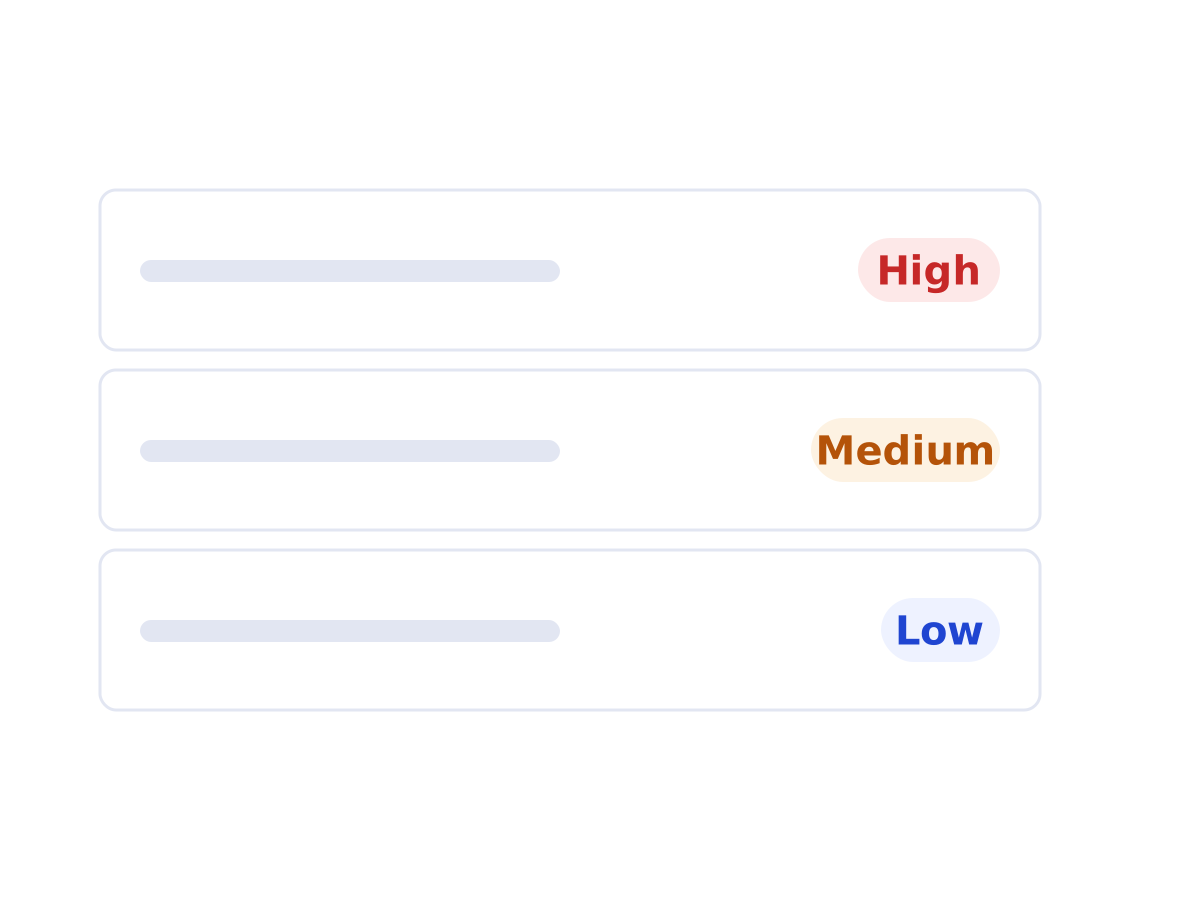 Pattern 05 · Dashboard with AI insights, Chat or assistantUrgency labels for prioritisationA small set of urgency levels on every item, so a full inbox can be scanned in seconds and the order of work is explicit.Seen in a case
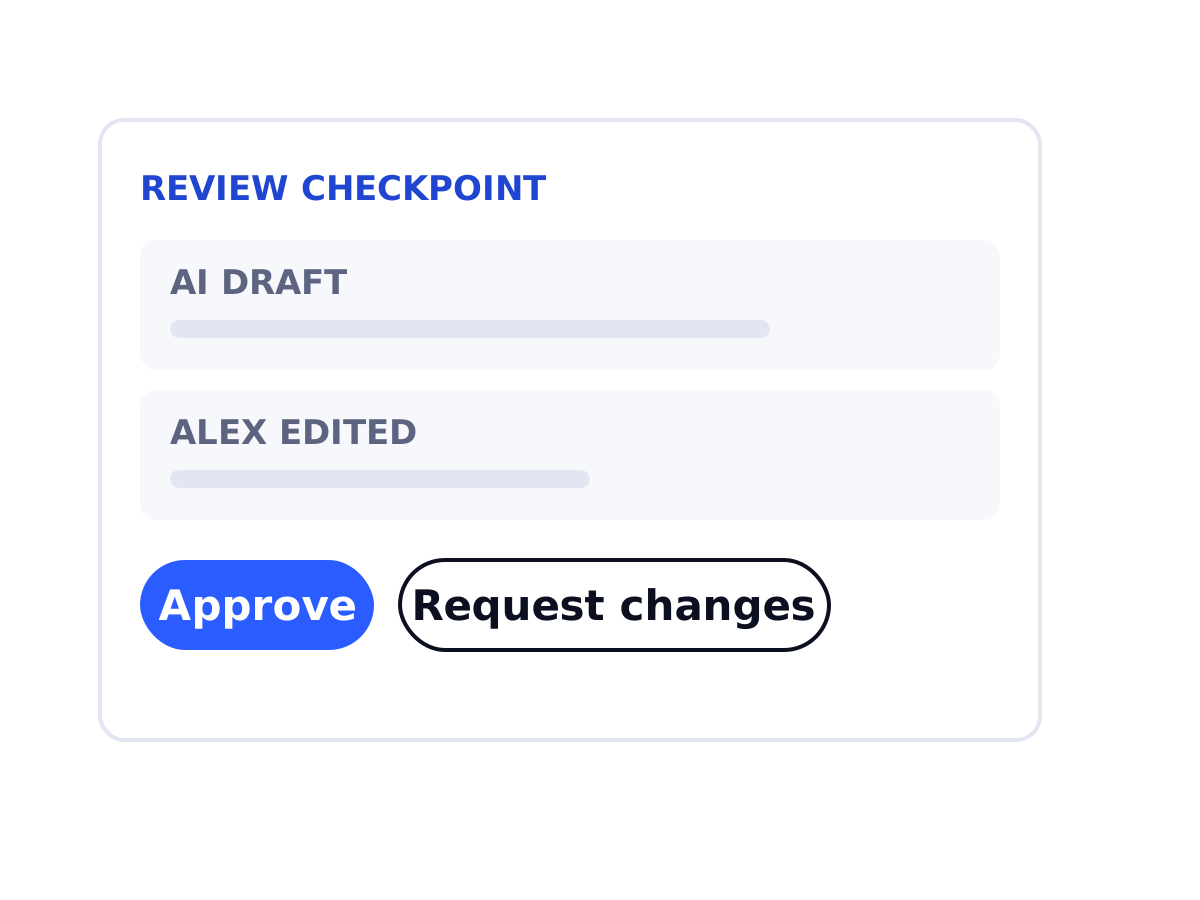 Pattern 08 · Dashboard with AI insightsReview a colleague's work checkpointAI-prepared work by a junior reaches a senior with the source, the junior's note and two clear actions.Seen in a case
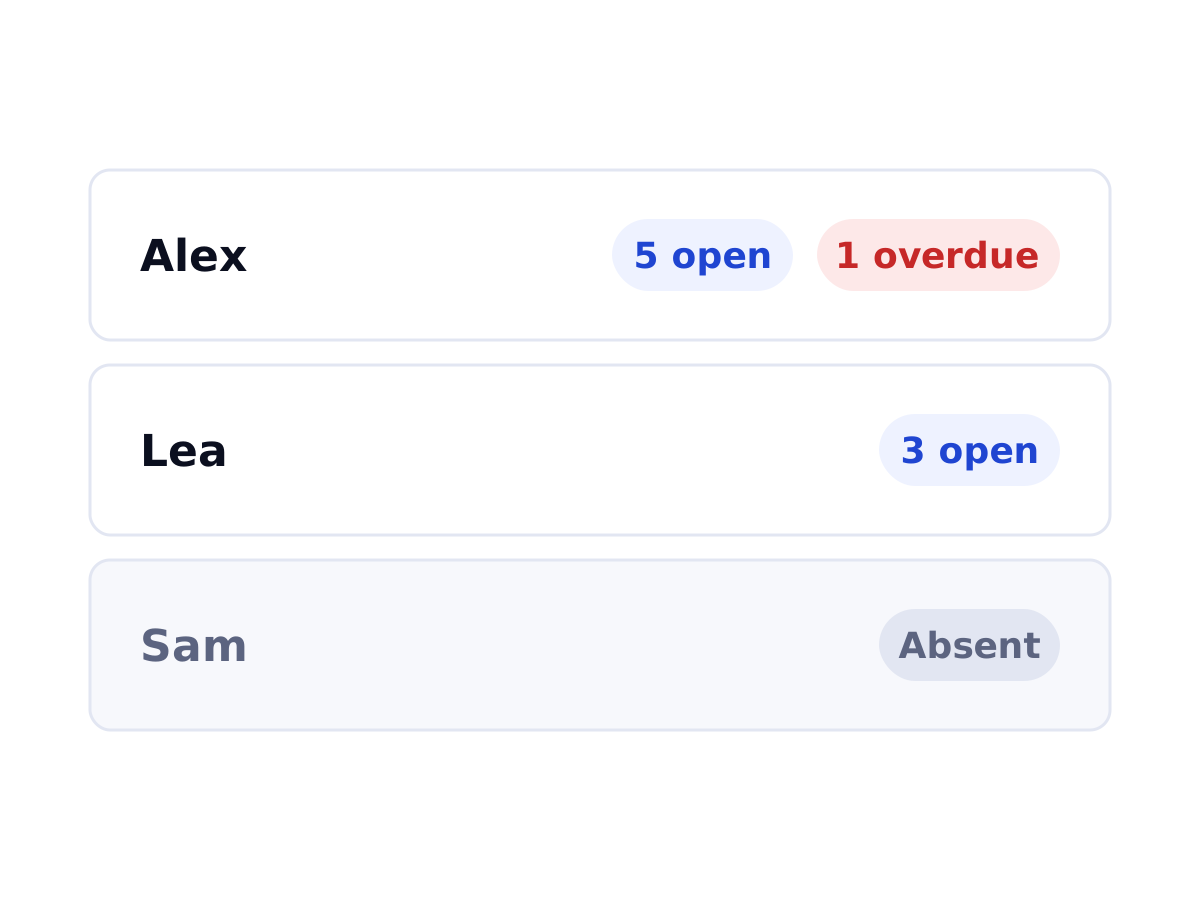 Pattern 19 · Dashboard with AI insightsTeam workload view with availabilityEach colleague's open and overdue tasks and whether they are in, behind a navigation item with a text label. Valued by all seven, once found.Seen in a case